 Treeet
Photo & signature resizer
for online forms, KYC and IDs
A photo and signature resizer for online forms. Make passport size photos, compress images to 20, 50, 100 or 200 KB, clean up signatures, put both sides of an ID card on one page, watermark ID copies and hide ID numbers — without uploading your documents.

 Compress imageGet a photo under the KB limit a form or portal sets. Compress image to 20 KBCompress image to 20KB in one step: drop in a photo or a signature and get a JPG that the upload box will accept. Compress image to 30 KBCompress image to 30KB for a form whose photo box stops at 30 KB, and keep a little more detail than a 20 KB file allows. Compress image to 50 KBCompress image to 50KB for the photo box on your application, straight from your phone or laptop. Compress image to 100 KBCompress image to 100KB when the form gives you a bit more room, and keep the photo sharp. Compress image to 200 KBCompress image to 200KB and upload photos of your documents without losing the small print. Compress image to 500 KBCompress image to 500KB when a site allows half a megabyte, and keep almost everything the camera captured. Compress image to 1 MBCompress image to 1MB when a portal turns away your camera photo for being over one megabyte.
 Resize imageGive a photo exact dimensions in pixels, cm, mm or inches.
 Passport size photo makerMake passport size photos in any of 19 preset sizes: choose the size, line up your face, and print a full 4 × 6 or A4 sheet of copies. Change photo backgroundSwap what’s behind a person for plain white, blue or another flat color.
 Resize signatureClean up a signature photo and size it for an application form.
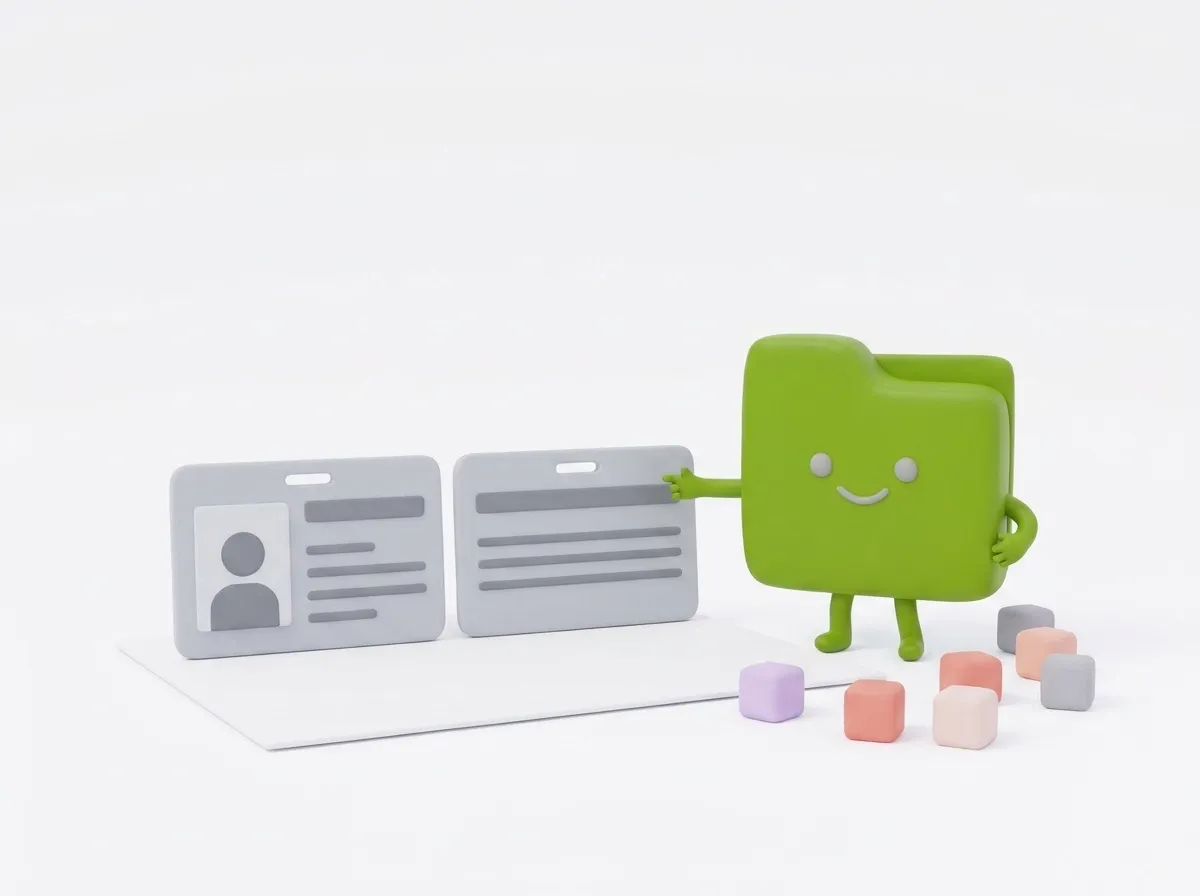 ID card front and back in one pageMerge both sides of an ID card onto one A4 page, ready to print.
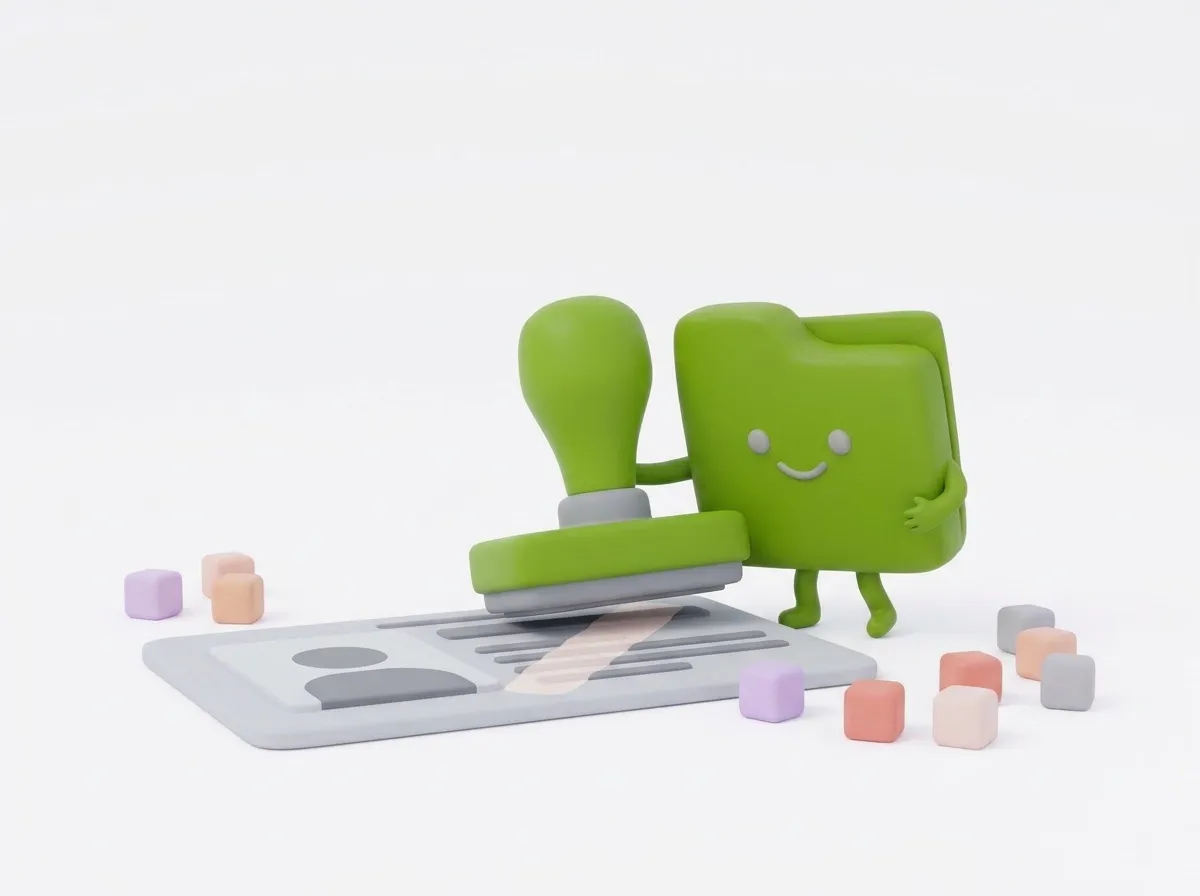 Add watermark to ID card copyStamp “For XYZ Bank KYC only” and the date across your ID copy.
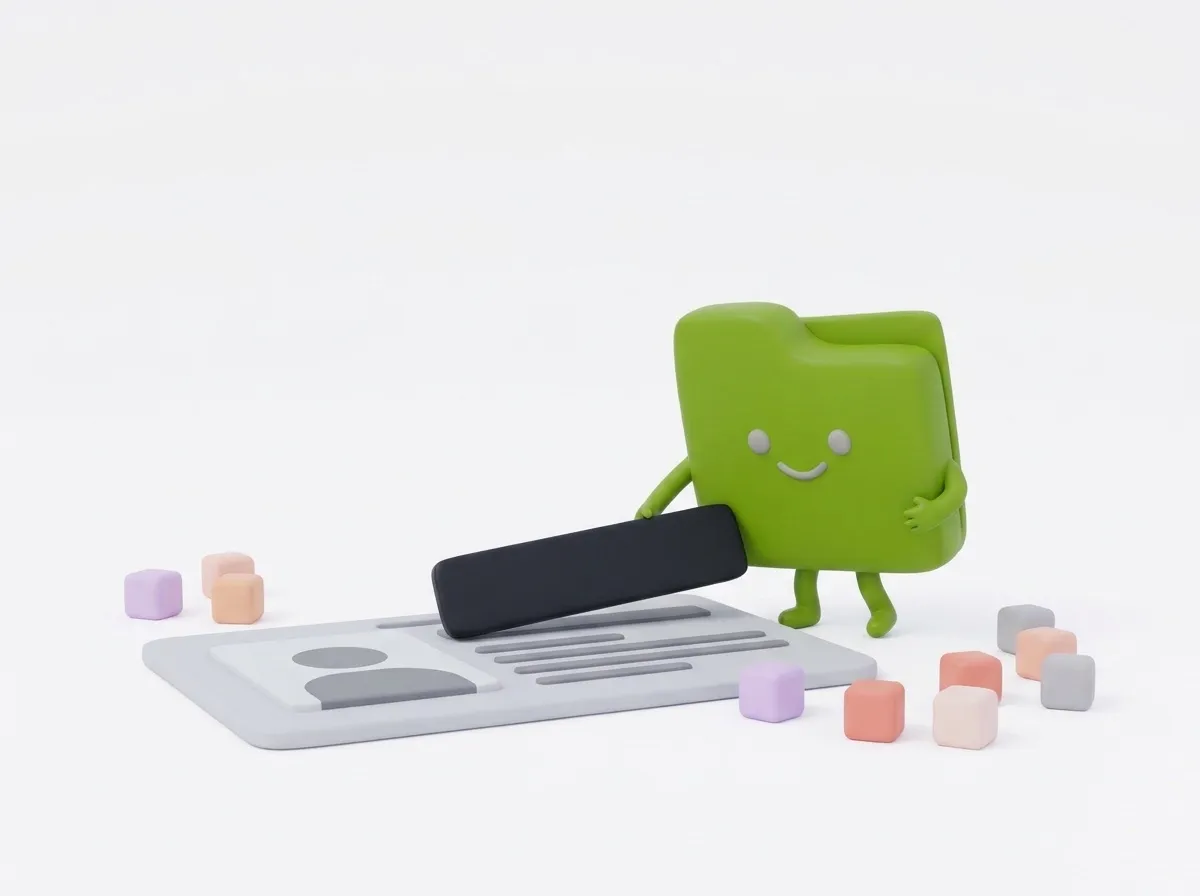 Mask Aadhaar / CNIC numberHide ID numbers, addresses or faces before you share a card photo.
 Document scannerScan documents from phone photos into a straight, clean PDF.
 Crop imageTrim a photo freely or to a set shape such as square or 16:9. Pakistan passport photoThe Pakistan passport photo size is 35 × 45 mm on a plain white background, and the online form takes files of 20 KB or less. This page makes both happen. FPSC photo sizeResize your passport-size picture to fit FPSC’s 30 KB limit. PPSC picture sizeReduce your PPSC picture and CNIC image below 25 KB each. BPSC photo size (Balochistan)The BPSC photo size for Balochistan’s online application is passport size on a white background, under 1 MB. Make the file here in a minute. NTS photo sizeThe NTS photo size is simply passport size on a blue or white background. Make yours here before you complete your profile on the candidate portal. CNIC front and back in one pageFront and back of your CNIC on one A4 page, at true card size. Aadhaar card front and back in one pageYour Aadhaar card, both sides, at real size on a single A4 page. India visa photo sizeThe India visa photo size is a square JPEG: 10 KB to 1 MB for the e-Visa, and 10–300 KB at 350 to 1000 pixels for the regular online form. Make one file that fits both. SSC signature sizeYour SSC signature, done for you: a clean JPG between 10 and 20 KB, shaped for the 6 × 2 cm signature box. IBPS photo sizeIBPS photo size in one line: a 4.5 × 3.5 cm color photo, 20 to 50 KB, 200 × 230 pixels preferred. This page makes the JPG for you. IBPS signature sizeEvery IBPS signature rule in one place, plus a cleaner that turns your signature photo into a JPG of 10 to 20 KB. IBPS handwritten declaration format & sizeFit your handwritten declaration to 800 × 400 px, under 100 KB. PAN card photo resizePAN card photo size for an online application: 2.5 × 3.5 cm, 200 DPI, color JPG of 20 KB or less. Resize yours here without uploading it anywhere. 2x2 picture makerA 2x2 picture measures 2 × 2 inches, or 5.08 × 5.08 cm. Before you print, check that your office really wants 2x2 and not passport size. 1x1 picture makerA 1x1 ID picture is one inch on each side, which is 2.54 × 2.54 cm. Crop a phone photo to it and print 24 copies from one 4R photo. US passport photo maker (2 × 2 in)A US passport photo is 2x2 inches, with the head between 1 and 1 3/8 inches from chin to top. Crop yours here and print six copies on one 4 × 6 photo. Schengen visa photoThe Schengen visa photo size is 35 × 45 mm at almost every consulate, but the detailed requirements belong to the country you apply to. Crop and print yours here. UK passport photo sizeFor a paper application, the UK passport photo size is 45 mm high by 35 mm wide. Applying online works differently, with a photo code or an uncropped phone picture, so start by picking your route. Canada passport photo sizeThe Canada passport photo size is 50 mm wide by 70 mm high (2 × 2¾ inches). Preview your framing here, then walk into the studio knowing what a passing photo looks like. UAE visa photo sizeThe UAE visa photo size listed by ICP is 4 × 6 cm with a white background, for visit entry permits and many residence services. Crop yours here, then print it or upload it. Spain DNI and passport photoThe Spain DNI photo size is 32 mm high by 26 mm wide, in colour, against a plain white background. The passport uses the same photo. Mexico “tamaño infantil” photoA foto tamaño infantil measures 2.5 cm wide by 3 cm tall. Crop a photo to those medidas here and print 20 copies on one 4 × 6 sheet. Indian passport photo sizeIndian missions abroad now ask passport applicants to upload a colour photo of exactly 630 × 810 pixels on a white background. Crop yours to that size here. China visa photo sizeA Chinese visa photo is 48 mm high and 33 mm wide, with the head 28 to 33 mm tall on a plain white background. Crop it here and print a sheet. Brazil 3 × 4 photoA “foto 3x4” is 3 cm wide and 4 cm tall, the small photo that Brazilian schools, courses and many registrations ask for. Crop yours and print a sheet.
Job, exam, bank and visa forms are strict about uploads: a file size in KB, a size in pixels or centimetres, and often a separate signature. This photo and signature resizer for online forms covers each limit, plus passport photos and ID copies, without uploading your documents.
Which tool does your form need?
- A file size limit, such as under 50 KB: Compress image, or Compress image to 20 KB, 50 KB, 100 KB or 200 KB. Quality goes down first, and the pixel size only if it has to.
- Exact dimensions in pixels, cm, mm or inches: Resize image, with a DPI setting for printed sizes and an optional File size limit.
- A passport size photo: Passport photo maker crops your face to sizes such as 35 × 45 mm or 2 × 2 in and makes a print sheet.
- A signature: Signature resizer removes paper shadows, crops to the ink and saves 140 × 60, 300 × 100 or 600 × 200 px.
- Both sides of an ID card: ID card front & back puts them on one A4 page at real card size. There are ready pages for CNIC front and back in one page and Aadhaar card front and back in one page.
- ID copies: Watermark ID copy stamps who the copy is for, and Hide ID number blacks out or blurs numbers.
- A white or blue background: Change photo background replaces the background behind a person, or makes it transparent.
KB, pixels and DPI are different limits
KB is the file size. Treeet counts 1 KB as 1,000 bytes, so under 20 KB means at most 20,000 bytes. Pixels are the picture’s width and height. Centimetres only turn into pixels through DPI: at 300 DPI, 3.5 cm is about 413 pixels.
A form can set all three, so check each one. Some exams and documents have ready pages, such as SSC signature size, IBPS photo size, PPSC picture size and Pakistan passport photo.
Common problems
- The portal says the file is too small. The limits here are maximums, and a clean signature can come out under a minimum such as 10 KB. Choose 600 × 200 px or set Ink to As in the photo.
- The photo is blurry at 20 KB. Crop tight first with Crop image.
- The background isn’t white. Change photo background, or the Background setting in Passport photo maker, can make it white or light blue. Some official rules ask for an unedited photo, though, so a plain light wall is still the safest start.
Questions
How do I reduce a photo to 20 KB?
Use Compress image to 20 KB. It lowers the JPG quality first and only shrinks the picture’s dimensions if quality alone isn’t enough, then saves a JPG under 20 KB.
Is it safe to use my ID card here?
Yes. Your photos are processed in your browser and never leave your device.
Which passport photo sizes are supported?
Pakistan/CNIC, India, UK, Schengen, US 2×2 in, Canada, China, UAE and Saudi sizes, with a print sheet for 4×6 in or A4 paper.
Are these KYC verification tools for businesses?
No. They help people fill in forms: resizing photos and signatures and preparing ID copies. They don’t check documents or verify anyone’s identity.
The form gives a pixel size and a KB limit. Which tool?
Resize image. Type the width and height, then pick a File size limit such as Under 50 KB. Compress image only targets the KB size.