 Treeet
Quick steps
- 01Add photosChoose files or drop them on the page.
- 02Done on your deviceNothing is uploaded. Adjust settings if you like.
- 03DownloadSave the result, or everything as one ZIP.
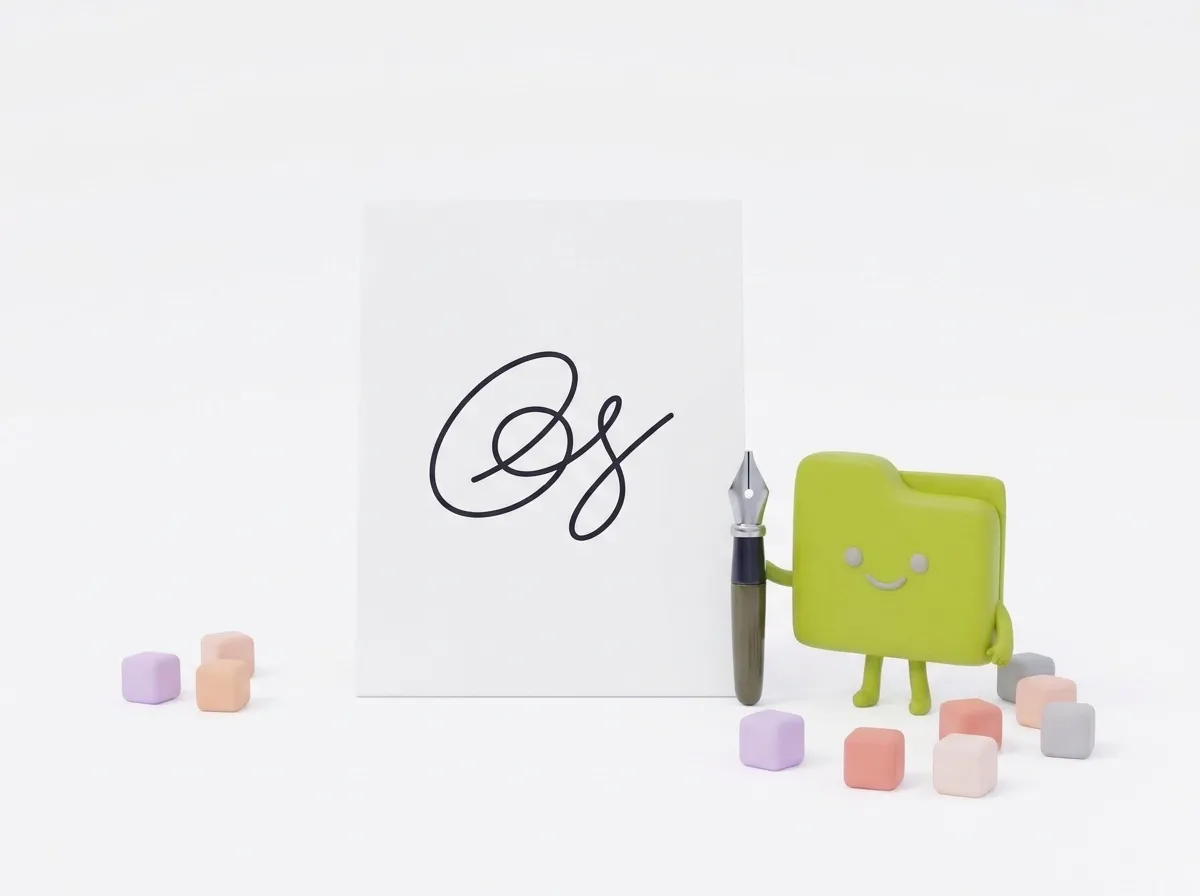
Clean, wide and under 20 KB.
We remove the paper and shadows, crop to the ink, and save a 600 × 200 pixel JPG under 20 KB, the 3:1 shape of SSC’s 6 × 2 cm signature box.
Staff Selection Commission forms take your photo live through the camera, but your signature still has to be uploaded as a file of 10 to 20 KB. This page cleans up a photo of your signature and saves it in that range. It is an unofficial tool, not connected with SSC.
What the SSC notice asks for
The notice for the Combined Graduate Level Examination, 2026 on ssc.gov.in asks for a scanned signature in JPEG or JPG format, between 10 and 20 KB. Its main section gives the image dimension as about 6.0 cm wide by 2.0 cm high, while an annexure in the same notice says about 4.0 cm by 2.0 cm. Both stress that blurred or miniature signatures will be rejected.
Each exam has its own notice, and details change from year to year. Read the photo and signature section of your notice before you upload.
The photo is captured live
For the photograph, the same notice says you don’t need an existing picture: the application captures one through your webcam or phone. It asks you to find good light and a plain background, keep the camera at eye level, look straight ahead and not wear a cap, mask or glasses. It also says that capturing a photo of an existing photograph will lead to rejection.
So for SSC you only need to prepare the signature file. That’s what this page does.
Steps
- Sign on plain white paper with a black or dark blue pen. Make it your normal, full-size signature.
- Photograph it from directly above in good light, close enough that the signature fills most of the picture.
- Add the photo above. Size is set to 600 × 200 px, ink to black and the limit to under 20 KB.
- Download the JPG and check its size. It should be between 10 and 20 KB.
- Upload it in the signature field of your SSC application.
If the file comes out under 10 KB
A clean black signature on pure white compresses extremely well, and a short or thin signature can drop below the 10 KB minimum. If that happens, try one of these: set Ink to “As in the photo” to keep the natural pen shading, which makes the file a little bigger, or lower the clean-up strength so less of the paper texture is removed. A bolder pen also helps.
If the file is over 20 KB, the tool lowers the quality until it fits, so you should never get a file above the limit.
Why 600 × 200 pixels
The notice gives the size in centimeters, not pixels. A 6 × 2 cm box has a 3 to 1 shape, and 600 × 200 pixels matches it while leaving enough detail for the signature to look sharp, not miniature. If your notice says 4 × 2 cm, the signature still sits centered in the wider box, or you can choose 300 × 100 px, keeping in mind that a smaller image makes a smaller file.
Use the same signature everywhere
Keep the downloaded file somewhere safe. Recruitment bodies may compare your uploaded signature with the one you write at the exam or document verification, so it should look like your everyday signature.
Guides
At a glance
- Price
- Free. No sign-up, no watermark.
- Privacy
- Files are processed in your browser and never uploaded.
- Accepts
- JPG, JPEG, PNG, WEBP, HEIC, HEIF, AVIF, BMP
- You get
- JPG
- Batch
- Convert many files at once and download them as a ZIP
- Works in
- Chrome, Edge, Firefox and Safari, on phones and computers
- Offline
- Keeps working without internet once the page has loaded
Questions
Is my signature uploaded?
No. Everything happens in your browser, so your signature never leaves your device.
Can I get a transparent background?
Yes. Choose Transparent to get a PNG you can place on documents.
Does it work on my phone?
Yes. Take or pick a photo right on your phone; nothing is uploaded.
Is this an SSC website?
No. Treeet is an independent, unofficial tool. Apply only through ssc.gov.in.
Can I upload a signature in blue ink?
The CGL 2026 notice we checked doesn’t name an ink color for the signature. We default to black, which reads clearly at small sizes; you can switch to blue in the settings.
Do I need to upload a photo too?
For the CGL 2026 application, the photo is captured live through your webcam or phone, not uploaded as a file. Check your own exam’s notice.