 Treeet
How to use Hide ID number
- 01Add photosChoose files or drop them on the page.
- 02Done on your deviceNothing is uploaded. Adjust settings if you like.
- 03DownloadSave the result, or everything as one ZIP.
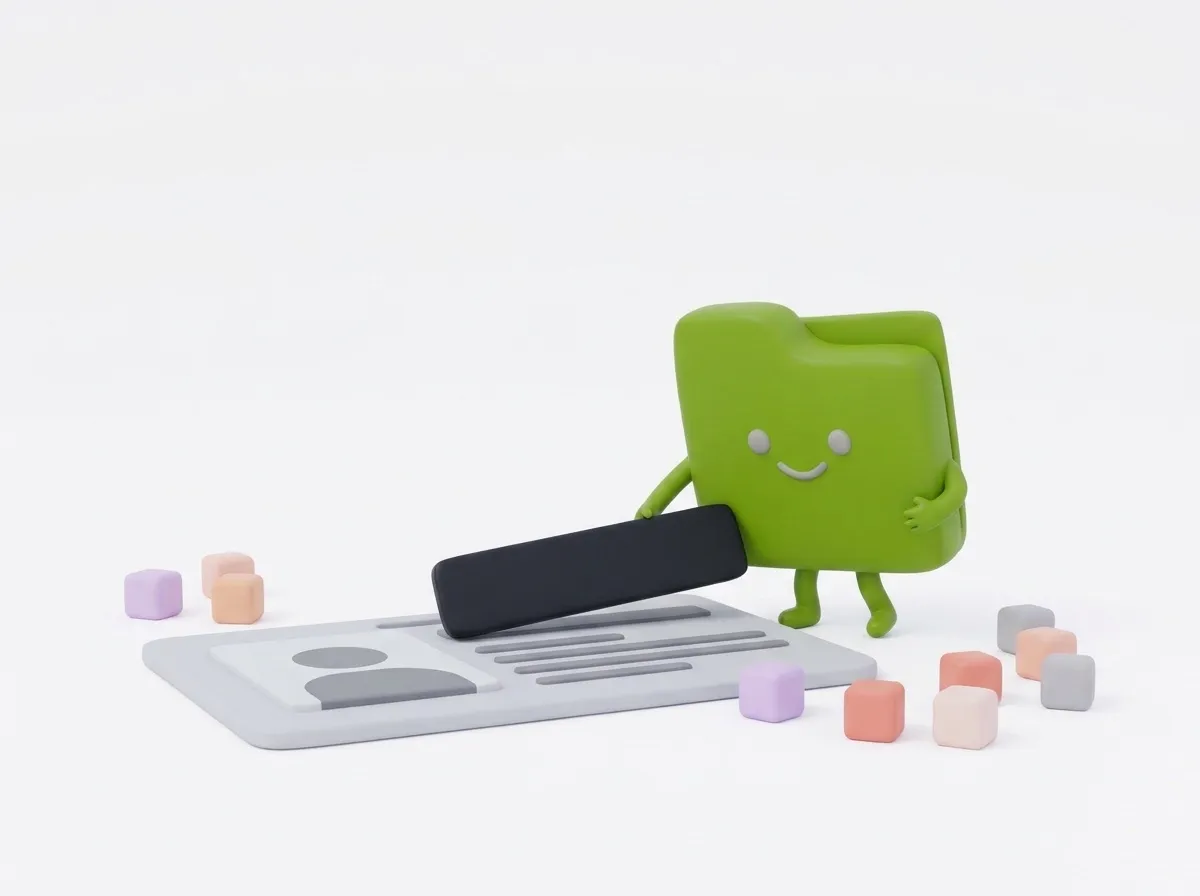
Draw a box, it’s gone.
Mark the parts to hide and choose a black box, blur or pixelation. Black boxes can’t be undone by anyone.
Guides
At a glance
- Price
- Free. No sign-up, no watermark.
- Privacy
- Files are processed in your browser and never uploaded.
- Accepts
- JPG, JPEG, PNG, WEBP, HEIC, HEIF, AVIF, BMP
- You get
- JPG
- Batch
- Convert many files at once and download them as a ZIP
- Works in
- Chrome, Edge, Firefox and Safari, on phones and computers
- Offline
- Keeps working without internet once the page has loaded
Questions
Is my ID uploaded?
No. Everything happens in your browser, so your ID never leaves your device.
Which method is safest?
Black box. Light blur can sometimes be reversed; a solid box can’t.
Does it work on my phone?
Yes. Take or pick a photo right on your phone; nothing is uploaded.