 Treeet
How to use ID card front & back
- 01Add front and backTwo photos, in that order.
- 02Fix cornersOptional, for tilted photos.
- 03DownloadA4 PDF or JPG.
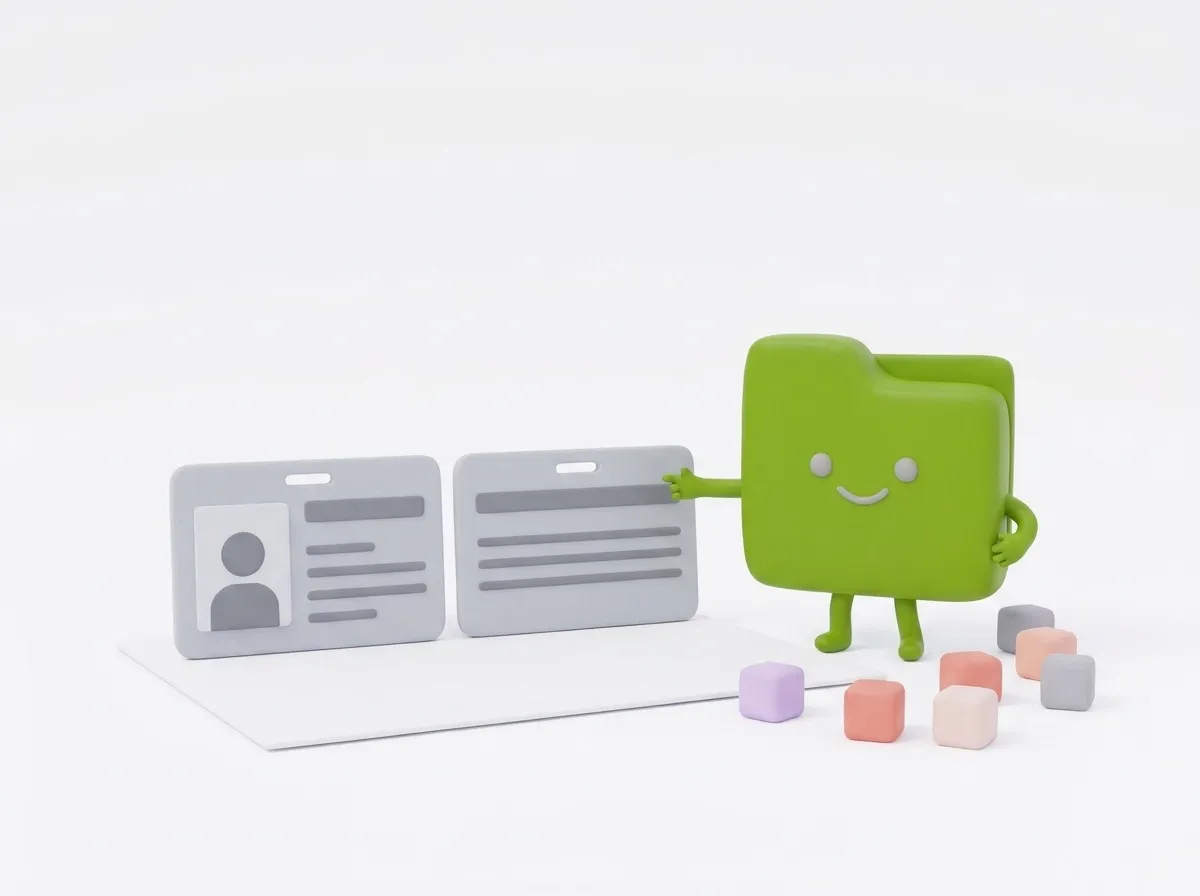
Front on top, back below.
Add a photo of each side. Adjust the corners if the card is tilted, and we straighten it and place both at true card size.
ID card front & back puts both sides of an ID card on one A4 page at real card size, ready to print or upload as a PDF or JPG. It’s free and runs in your browser, so your ID photos are never uploaded.
How to put both sides of an ID card on one page
- Take a photo of the front and the back of the card, filling as much of the frame as you can.
- Choose both photos or drop them on the page, front first and then back. If they’re the wrong way round, swap them with the up and down arrows.
- Optional: press Adjust corners on each photo and drag the four dots onto the card’s corners. A magnifier helps you place each dot exactly.
- Pick the output, card size and labels in the settings panel.
- Press Make page, then Download.
Straightening and cropping
When you set the corners, the card is straightened, so a card photographed at an angle comes out flat and rectangular, in true card proportions.
If you skip the corners, each photo is cropped from the center to the card’s shape. That works when the card fills most of the photo; otherwise some background will show, or the card’s edges may be cut off.
What the settings do
The front sits on top and the back below, centered, with rounded corners and a thin gray outline. Vertical cards are placed upright.
Real size suits printed copies that should look like a photocopy of the card. Large is easier to read on screen and helps when an office asks for a clear, readable copy.
- Save as: PDF (A4) or JPG (A4). Both are a full A4 page at 300 dpi.
- Card size on the page: Real size (85.6 × 54 mm, the standard bank-card size) or Large (twice real size, made a little smaller if both sides don’t fit).
- Write “Front” and “Back”: adds a small label above each side. Off by default.
Common problems and fixes
- “The four corners don’t make a page shape”: two dots are in the wrong place. Drag each one onto a different corner of the card.
- Part of the card is cut off: use Adjust corners instead of the automatic center crop.
- Glare hides a number: tilt the card slightly away from the light, or turn the flash off, and retake the photo.
- The printed card is the wrong size: print at Actual size or 100%. “Fit to page”, especially on US Letter paper, shrinks it.
Tips
- Put the card on a dark surface so its edges stand out.
- Photograph from straight above to avoid strong perspective.
- Sharing the copy with a bank or landlord? Save as JPG and run the page through Watermark ID copy, or cover numbers they don’t need with Hide ID number.
Privacy
ID cards are exactly the kind of file you shouldn’t upload to unknown servers. Here the photos are straightened and laid out in your browser, and nothing is sent anywhere.
Guides
At a glance
- Price
- Free. No sign-up, no watermark.
- Privacy
- Files are processed in your browser and never uploaded.
- Accepts
- JPG, JPEG, PNG, WEBP, HEIC, HEIF, AVIF, BMP
- You get
- One PDF file from all your files
- Batch
- Add 2 files and set their order
- Works in
- Chrome, Edge, Firefox and Safari, on phones and computers
- Offline
- Keeps working without internet once the page has loaded
Questions
Is my ID card uploaded?
No. Everything happens in your browser, so your ID card never leaves your device.
Which cards work?
Any bank-card-sized ID: CNIC, Aadhaar, driving licences, Emirates ID and others.
Does it work on my phone?
Yes. Take or pick a photo right on your phone; nothing is uploaded.
What is the real size of an ID card?
Most ID cards are 85.6 × 54 mm, the same as a bank card (the ID-1 size). The tool places both sides at that size.
Can I add more than two photos?
No. The tool takes exactly two photos, the front and the back, and puts them on one page.
Why is my card cropped wrongly?
Without corners the photo is cropped from the center. Press Adjust corners and mark the card’s corners for an exact result.
Can I get the page as an image instead of a PDF?
Yes. Set Save as to JPG (A4) to get the same A4 page as a JPG at 300 dpi.
Can I use it for a driving license or residence card?
Yes. Any card of standard bank-card size works the same way, whatever country issued it.
Will it print at the correct size?
Yes, if you print at 100% or Actual size on A4 paper. Scaling options in the print dialog change the card’s size.