 Treeet
How to convert JSON to TOON
- 01Add JSON filesChoose files or drop them on the page.
- 02Converted on your deviceNothing is uploaded. Adjust settings if you like.
- 03DownloadSave each file, or all of them as one ZIP.
What’s JSON?
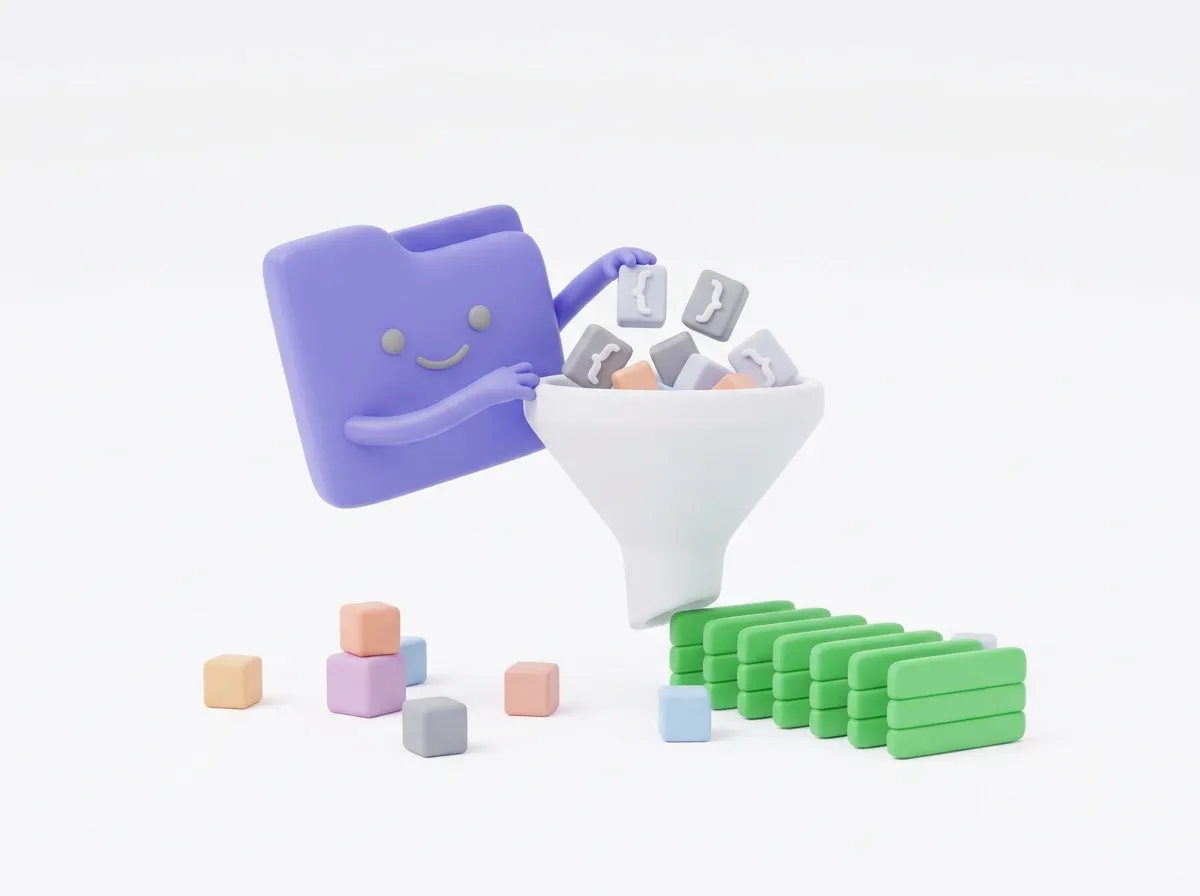
The data format of APIs and apps. Objects and lists, often nested.
Convert JSON to TOON (Token-Oriented Object Notation), a compact way to write the same data for AI prompts. Lists of similar objects become small tables with the field names written once, which usually means fewer tokens than JSON. The conversion runs in your browser, so your data stays on your device.
What TOON looks like
A JSON list such as {"users":[{"id":1,"name":"Ali"},{"id":2,"name":"Sara"}]} becomes a header line, users[2]{id,name}:, followed by one row per object: 1,Ali and 2,Sara. Nested objects are written with indentation, like YAML, and simple lists stay on one line.
The [2] tells a model how many rows to expect, and {id,name} names the columns once instead of on every row. That repetition is what TOON saves.
When it saves the most
- Arrays of objects that share the same fields, such as rows from a database, a spreadsheet or an API list.
- Data you paste into ChatGPT, Claude or another model many times, where every token counts.
- Deeply nested or very irregular data saves less, and can occasionally be longer than minified JSON. Compare both if size matters.
Settings
Separator chooses how values in a row are split: comma (the default), tab or pipe. Tabs are often a single token in common tokenizers, so they can save a little more; pipes are handy when your values contain many commas. Values that contain the separator are quoted automatically.
Is the data the same?
Yes. Strings, numbers, booleans, null, objects and arrays all keep their values, and TOON to JSON turns the file back into the same data. Key order is kept. Only formatting changes.
At a glance
- Price
- Free. No sign-up, no watermark.
- Privacy
- Files are processed in your browser and never uploaded.
- Accepts
- JSON
- You get
- TOON
- Batch
- Convert many files at once and download them as a ZIP
- Works in
- Chrome, Edge, Firefox and Safari, on phones and computers
- Offline
- After the first conversion, it keeps working without internet
Questions
Are my files uploaded?
Never. JSON to TOON conversion runs in your browser, so your files stay on your device.
Can I convert many at once?
Yes. Add as many as you like and download them all as one ZIP.
Is there a size limit?
Files of tens of megabytes are fine on most computers.
What is TOON?
Token-Oriented Object Notation, an open format that writes JSON data more compactly for large language models. It is published with an MIT-licensed reference library, which this tool uses.
Do AI models understand TOON?
Models read it as structured text, much like a table or YAML. For important prompts, test the output with your model, and add a line explaining the format if answers come back wrong.
Is my JSON uploaded?
No. The conversion runs in your browser, so the file never leaves your device.