 Treeet

How to use Create ZIP file
- 01Add filesAny type, as many as you like.
- 02Zipped on your deviceNothing is uploaded.
- 03DownloadOne ZIP file.
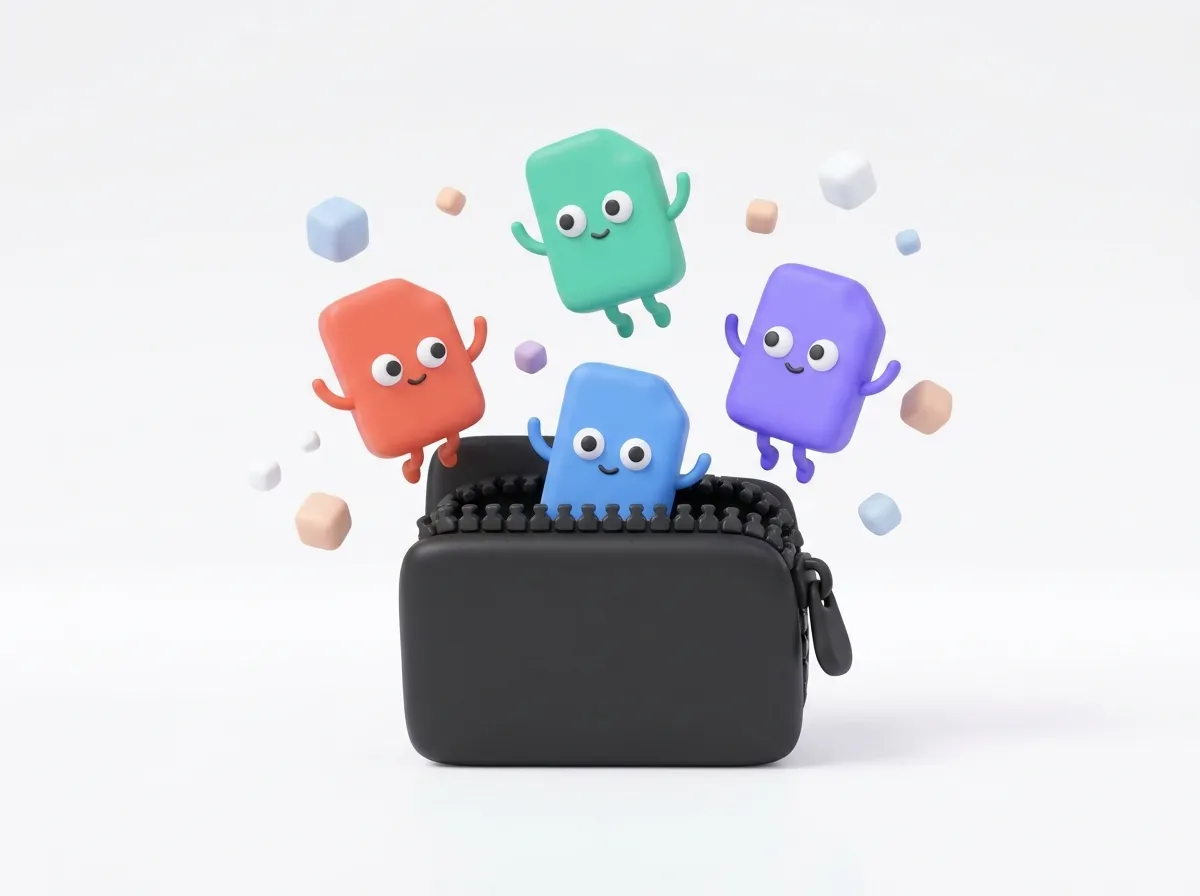
One file instead of many.
Add photos, PDFs, documents or anything else. They are packed and compressed into a single ZIP, which opens on Windows, macOS, Android and iPhone without an app.
Create a ZIP file from photos, PDFs, documents or any other files, to email them as one attachment or upload them where only one file is allowed. The files are zipped in your browser and never uploaded.
How to make a ZIP file
- Add the files, or drop them on the page. Add more at any time.
- Press Create ZIP.
- Download the ZIP. Files with the same name are numbered so none is lost.
Will the ZIP be smaller?
Text files, CSVs, old Word and Excel files and code get much smaller. JPG photos, PDFs, videos, MP3s and .docx or .xlsx files are already compressed inside, so they are stored as they are and the ZIP is about the same size as the files together.
To make photos smaller for an email or a form, compress them first, then zip them.
At a glance
- Price
- Free. No sign-up, no watermark.
- Privacy
- Files are processed in your browser and never uploaded.
- Accepts
- You get
- One ZIP file from all your files
- Batch
- Add one or more files and set their order
- Works in
- Chrome, Edge, Firefox and Safari, on phones and computers
- Offline
- After the first conversion, it keeps working without internet
Questions
Does zipping make photos and PDFs smaller?
Barely. JPG photos, PDFs and videos are already compressed, so a ZIP of them is about the same size. Text, Word and Excel files shrink more. To make photos smaller, compress them first.
How do I zip files on my phone?
Open this page, add the files from your gallery or Files app, tap Create ZIP and save it. Nothing is uploaded.
Is there a size limit?
Archives up to about 1 GB. Everything is unpacked in your browser’s memory, so a computer handles bigger archives than a phone.
Can I put a password on the ZIP?
Not yet. The ZIP is created without a password.
Can I zip a whole folder?
Add the files from the folder; they go into the ZIP side by side. Keeping a folder structure needs a desktop zip tool for now.